How can I check if a deposit is protected without logging in?
You don’t need to log in—just enter the certificate code on the Is My Deposit Protected page. We’ll check both schemes for you automatically.
Our login page is designed to protect private information and features from unauthorized access. While we've aimed to make the page as user-friendly and smart as possible, we understand that users have different needs and may not always know how to reach restricted content.
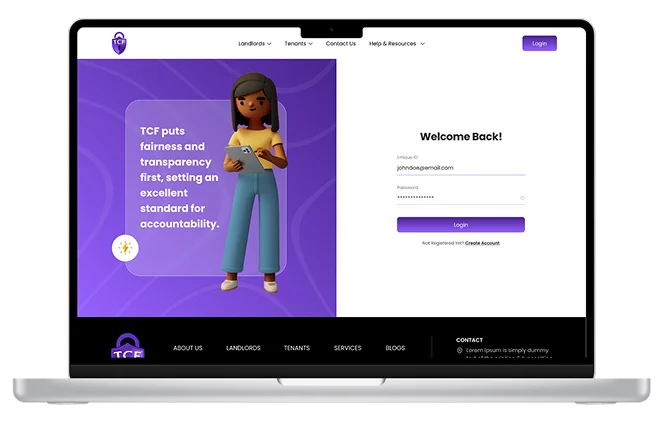
You don’t need to log in—just enter the certificate code on the Is My Deposit Protected page. We’ll check both schemes for you automatically.
You’ll need to log in using your member account details. Simply enter your username and password on the Login page, and our system will guide you from there.
If you’ve received an activation code, it’s essential to activate your account before you can log in. This step helps us create a secure login for you within our Custodial Scheme. You can activate your account by clicking here.
Member login details give full access to all features, but we understand some Insured members prefer to delegate dispute handling without sharing full account access. To do this, go to the Is My Deposit Protected page and start the process to raise or respond to an Insured scheme dispute—no login required. When prompted, register for a dispute-only account and make sure to choose either Agent or Landlord as the account type. This creates a secure, limited-access account that can be used for future disputes.
2222Confirmation & Status Update The user receives a confirmation email/SMS, and the refund status is updated in the dashboard. The amount may take 3–7 business days to reflect, depending on the payment gateway.